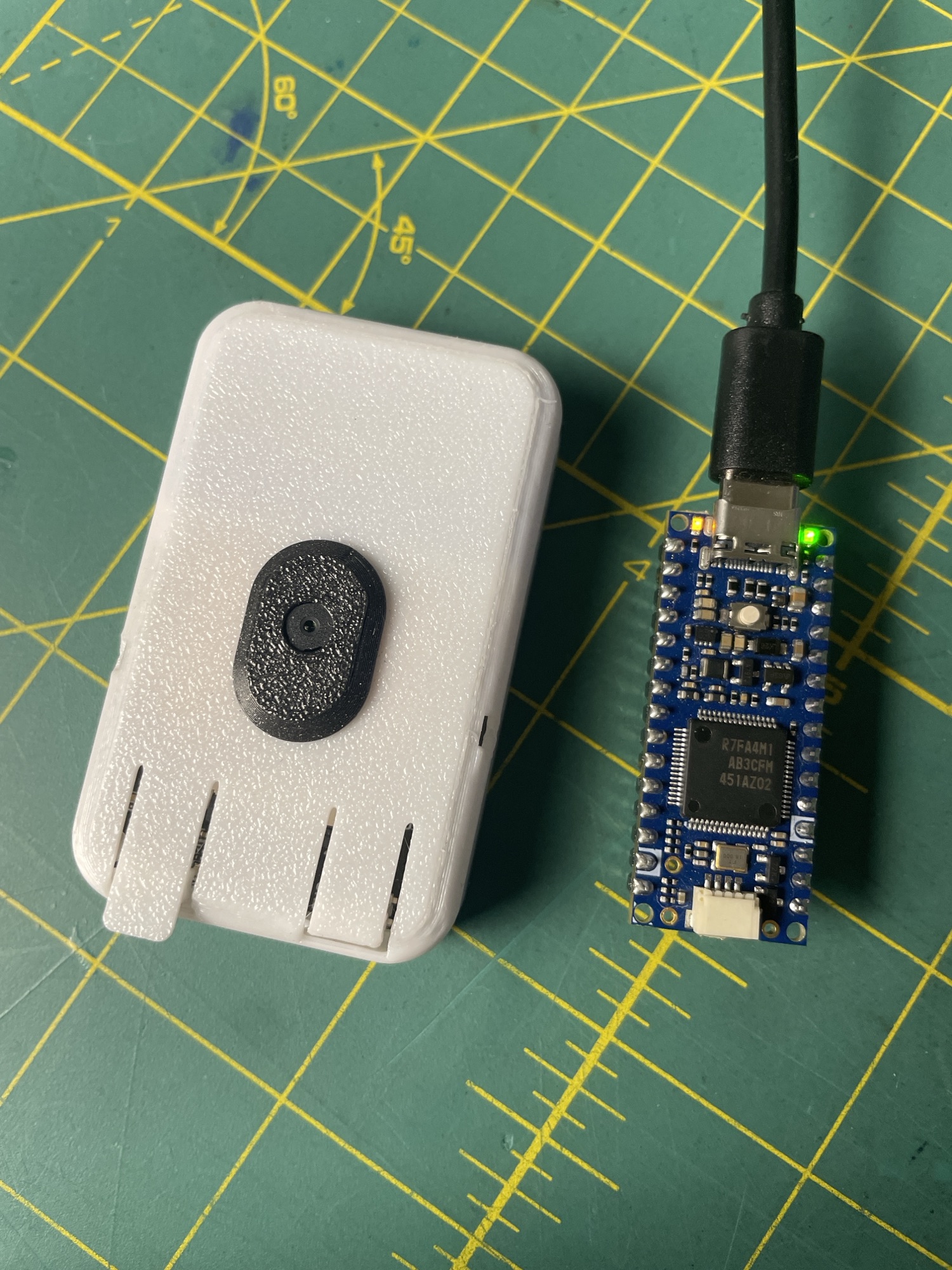
I was watching this video from Clicks when an something caught my attention. At around 4:04, they show a tool for designing LED animations. I looked at it and thought, “I could vibe-code this.”
So I gave it a try!
With help from AI, I pasted the print screen from that video and within minutes it created this fully functional webpage. I then added features like programming an actual Arduino, generate GIFs, edit the placement of the fake LED, etc.
The idea is simple: drag points on a curve to control how bright an LED gets over time. Make it breathe slowly, pulse like a heartbeat, or blink. Change the speed and watch the result immediately.
You can also load a photo of your project and position a virtual LED exactly where the real one goes. Adjust its size, shape, color, and glow to preview the effect on your enclosure.
Once you have something you like, you can export an animated GIF, save the project, or generate an Arduino sketch.
I also put a simulated blink next to a recording of a real Arduino Nano R4 in the README. The yellow LED is much brighter in person! The recording doesn’t quite do it justice.
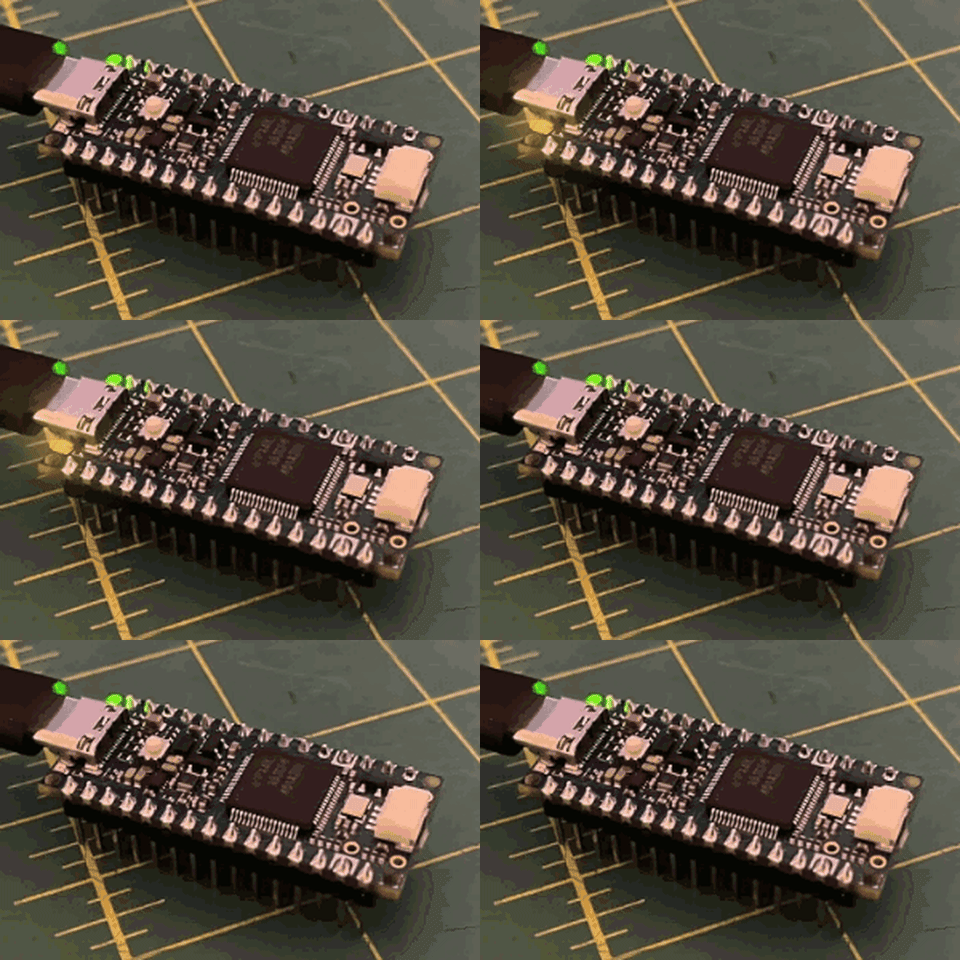
There’s direct Arduino programming from Chrome or Edge too, but that part is still experimental. You can also export the sketch and upload it through Arduino IDE.
The editor runs from a single HTML file, and your photos stay in your browser. Open it and start moving points!
Try LED Curve Studio · Get the code on GitHub
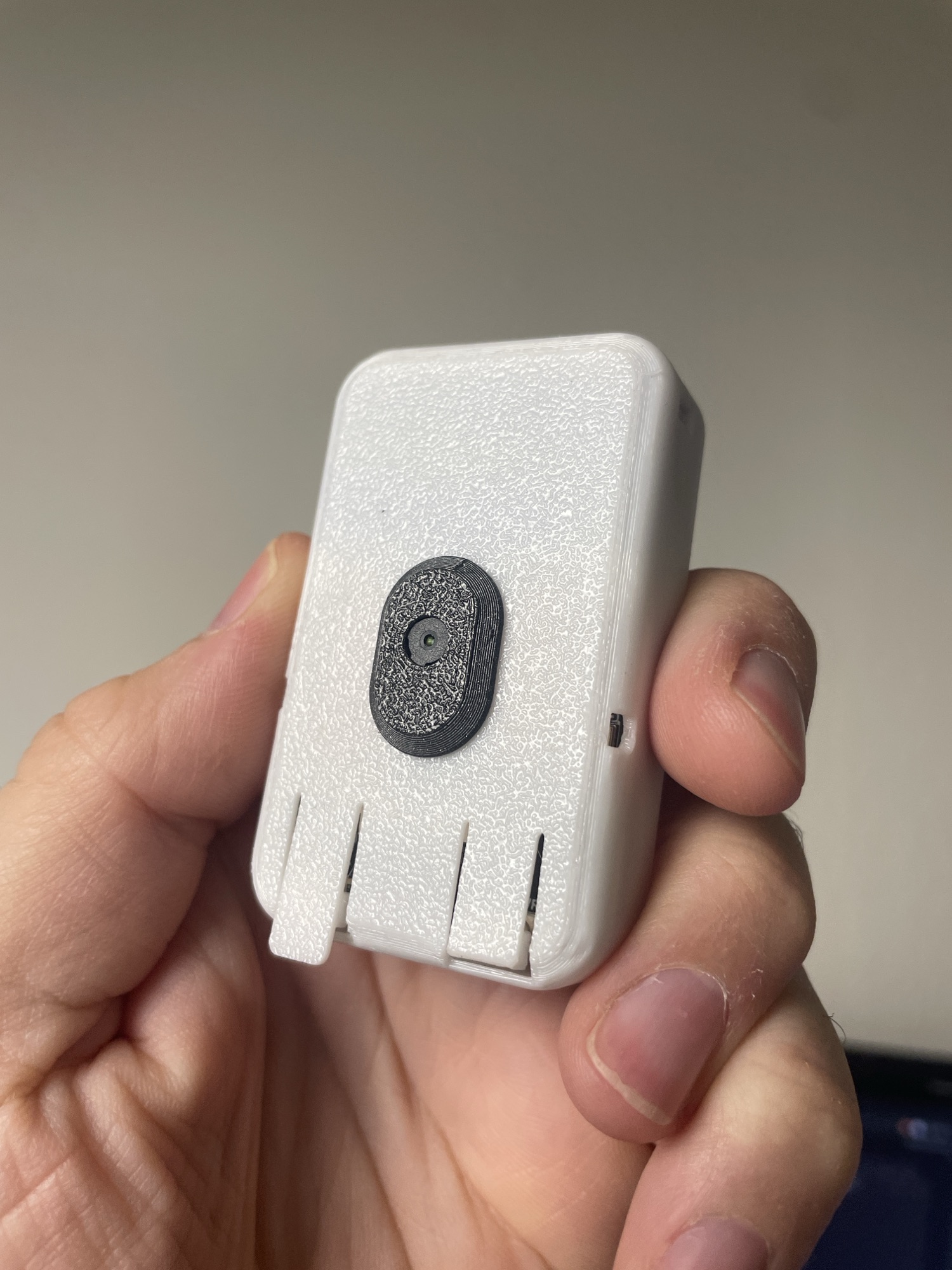
This little white box is a real project I am working it. It’s esp32 AI assistant with camera, microphone and speakers. More to come later.